
Why a Self-Hosted Kimi K3 Has No Memory
What open weights actually give you
You get the model: weights, an inference server (vLLM, SGLang, or similar), and an endpoint. That's a function — tokens in, tokens out. The consumer products people compare it to (ChatGPT, Claude) wrap their models in a whole product layer: accounts, conversation storage, memory features, retrieval. None of that ships with weights. When you self-host, you're taking delivery of the engine, not the car.
The technical reason it's stateless
Inference is stateless by design. The model holds context only for the request in front of it — that's what the context window is. K3's 1M-token window is enormous, which makes this easy to misread: you can fit an entire codebase or a year of notes into one request, so it feels like memory. It isn't. Close the request and the state is gone; the next call knows nothing. A big window is working memory for one task, not persistence across tasks.
What this costs you
You re-send everything, every time. To keep a "conversation" going you replay the full history on each turn — cost and latency climbing as it grows, until you hit the window ceiling and start truncating. Multi-user deployments have no per-user profile, so personalization is impossible without building it. And nothing accumulates: your self-hosted agent can't learn your project across sessions, because there's nowhere for the learning to go.
Building Memory Yourself (and What It Costs)
The DIY stack
The standard approach is real work, and plenty of teams do it: stand up a vector database, build an embeddings pipeline, write chunking logic, add extraction to decide what's worth remembering, then retrieval with relevance ranking. It's well-trodden and gives you total control — the same reason people self-host in the first place.
The honest cost: that's weeks of engineering before it works well, plus permanent ownership. Extraction quality, deduplication, conflict handling when two sessions disagree, relevance tuning — each is its own tuning problem, and each degrades quietly when neglected.
Conversation logs in a database
Cheaper than a vector stack: store transcripts in Postgres and replay them. It works until volume grows, at which point you're re-sending too much or writing your own summarization — and summaries lose the specifics you most needed to keep.
Stuffing the 1M-token window
Tempting with K3 specifically: just put everything in the prompt. But you pay for every token on every request, latency scales with input, and retrieval quality inside a stuffed window falls off — the model has more to sift through, not more understanding. It also still resets at the end of the request.
The shared wall: all three are you building infrastructure. If memory is the product you're building, that's the right call. If memory is plumbing on the way to your actual product, it's a detour — the same trade-off as memory for stateless MCP servers.
The Fix: Give Your Self-Hosted Stack a Persistent Memory
The faster path is to keep the model where it is and put a memory layer beside it. MemoryLake handles extraction, conflict detection, versioning, and retrieval for you: documents and conversations go in, structured searchable memory comes out, and your self-hosted K3 queries it per request. Your weights stay on your hardware; the memory layer is end-to-end encrypted, so it can't read your content either.
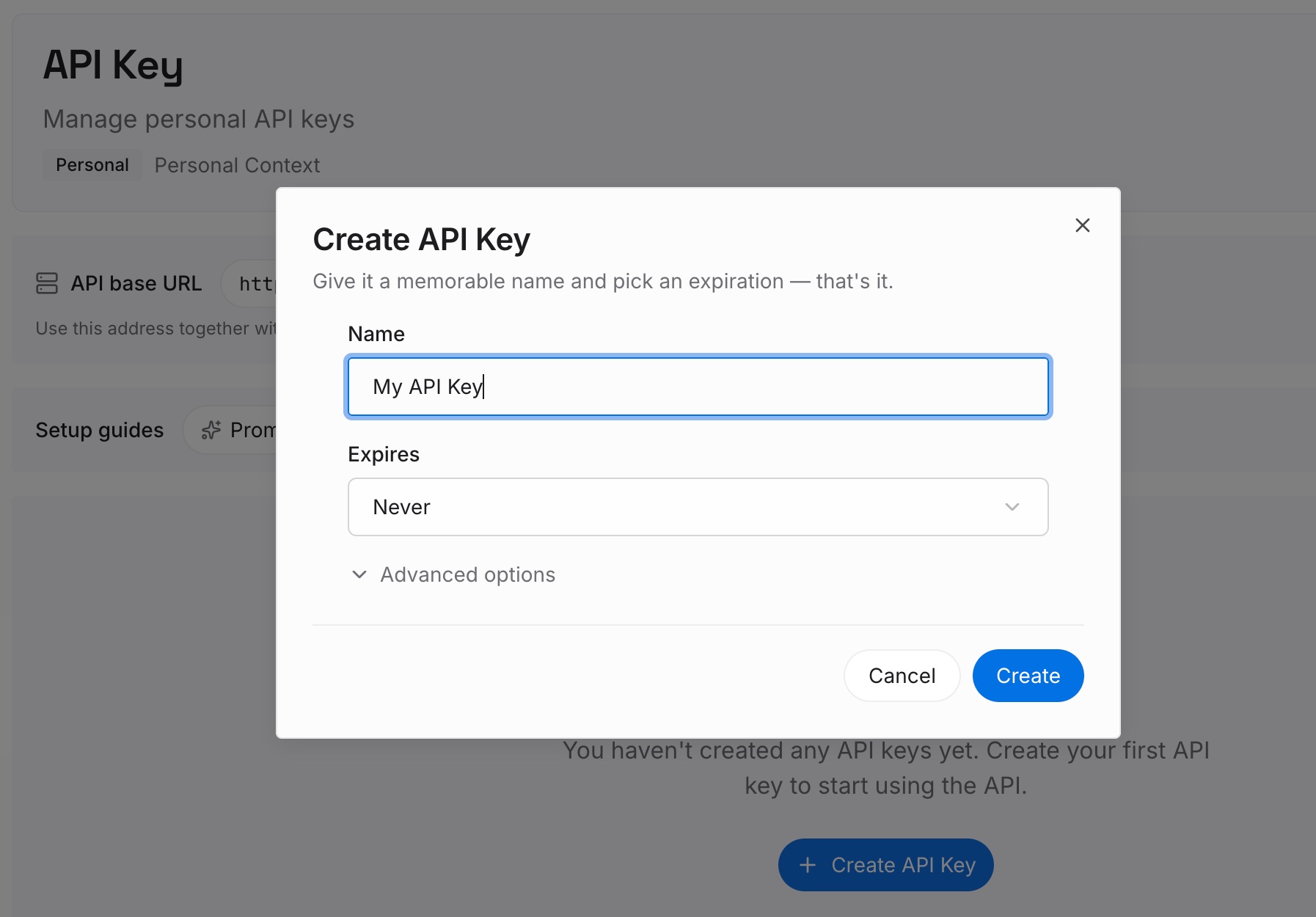
Step 1: Create an API key
Sign in to MemoryLake, generate a key, and make your first request — it takes about 30 seconds.
Step 2: Upload your first memories
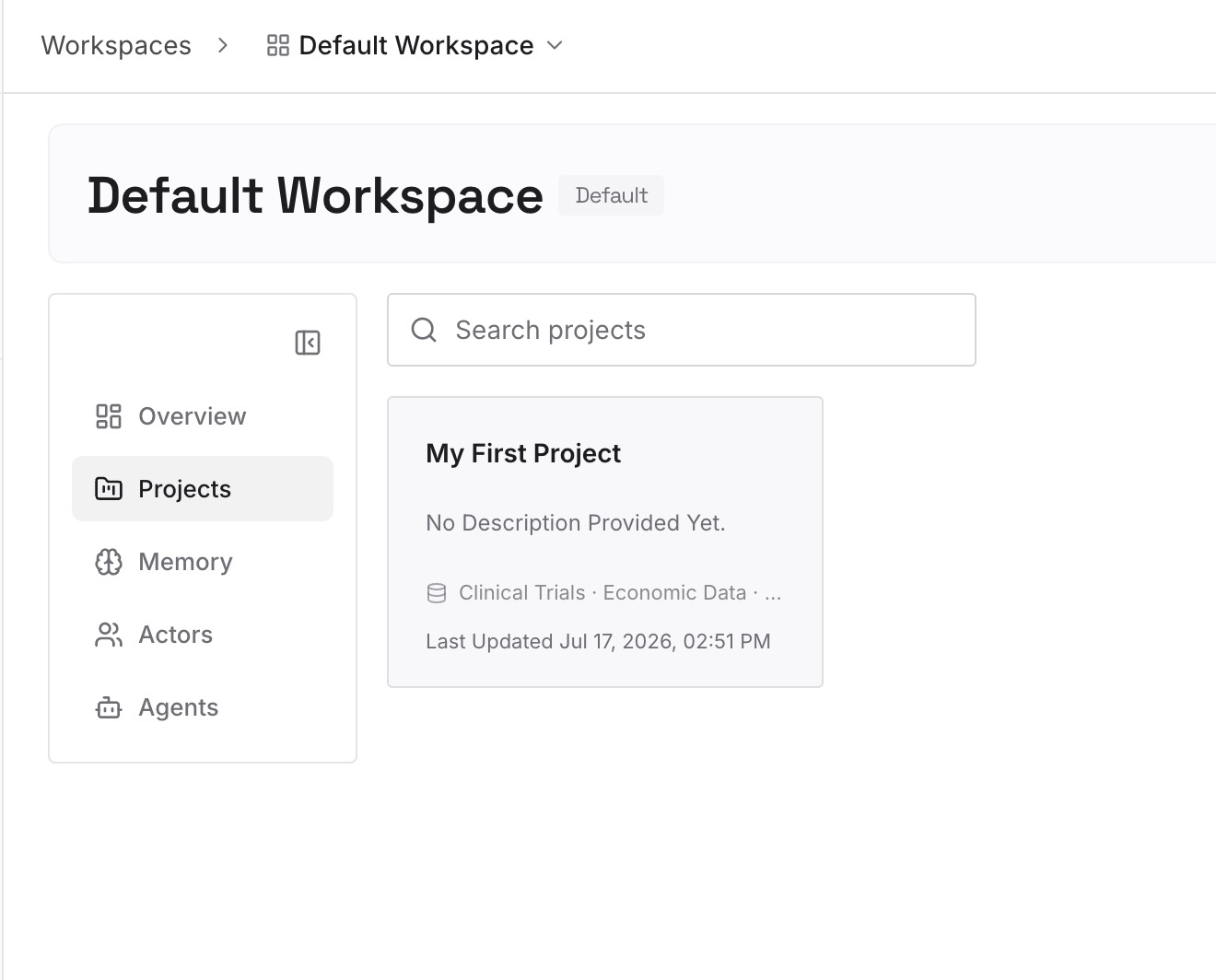
Drop in what your deployment should know permanently: project documents, specs, product knowledge, and per-user facts — documents, images, and other files all work. It's parsed and indexed once instead of re-sent per request.
Step 3: Connect your AI & agents
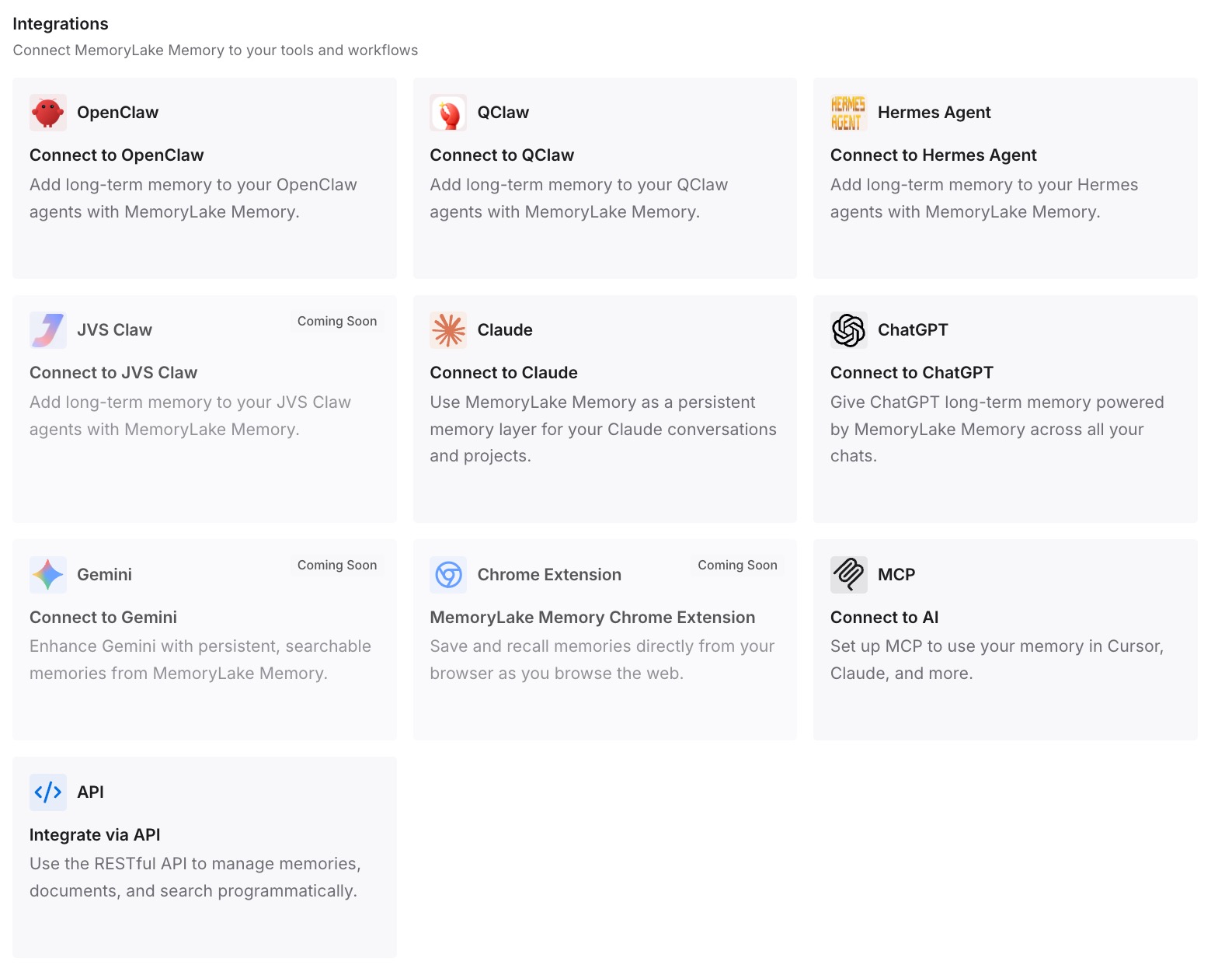
Call the API in front of your inference endpoint: retrieve the relevant memories for the request and include them in the system message or prompt, so each K3 call starts informed instead of blank. If your agent framework speaks MCP, connect it there instead — and the same memory is available to Claude, Codex, OpenClaw, and other agents, so your self-hosted model and your commercial tools share one context.
What Stateless Inference Actually Costs
The replay tax
Without a memory layer, continuity means replaying history on every call. On self-hosted hardware you pay in GPU time and latency rather than API bills — but it's the same waste: compute spent re-reading what you already told the model, growing with every turn until the window forces truncation.
Retrieval instead of replay
With memory beside the model, each request carries only the relevant slice — the fact, the decision, the passage — instead of the entire history. Shorter inputs, faster responses, more headroom in the window for actual work. MemoryLake's Token Saving Calculator projects the effect if you're also running commercial APIs alongside your own deployment.
Best Practices for Self-Hosted Memory
Keep the window for work, the layer for knowledge
Use K3's 1M tokens for what the current task genuinely needs. Durable knowledge belongs in the memory layer, retrieved on demand — that's what stops your prompts from growing forever.
Store facts and decisions, not raw transcripts
Full logs are cheap to keep and expensive to use. Distilled facts, decisions, and documents retrieve far better than a wall of conversation history.
Scope memory per user or per project
Multi-tenant deployments need isolation from day one. One scope per user or project keeps retrieval relevant and prevents context from leaking between them.
Conclusion
Kimi K3's open weights are a genuine shift — frontier-class capability you can run yourself, with a window big enough to make context feel solved. It isn't: weights are a stateless engine, and memory is the layer you have to add. Build it yourself if memory is your product; otherwise put a ready memory layer beside your endpoint and spend your engineering on what you're actually shipping. Your model runs on your hardware. Your memory just has to exist.