
What the message means
The error reference puts it plainly: "This is an entitlement check, not a quota exhaustion. It fires even when your session and weekly allowances have capacity remaining."
Some models reach the 1M-token context window only through a variant marked [1m], and whether your plan includes that variant depends on the model. Claude Code's model configuration page lists it for the two models it applies to:
- Opus 4.6 with 1M context is included on Max, Team, and Enterprise plans, and requires usage credits on Pro.
- Sonnet 4.6 with 1M context requires usage credits on every subscription plan, including Max.
Newer models work differently. The same page says Fable 5.1, Fable 5, Sonnet 5 and later, Haiku 5.5, and Opus 4.7 and later "run with the 1M window by default, with no [1m] suffix needed."
Usage credits are Anthropic's metered billing for going past what a plan includes. When a plan covers extended context only through them, the model configuration page says "tokens are billed to usage credits." If credits aren't turned on, a request that needs that window gets this error instead.
Why it can appear when you didn't pick a 1M model
There are two ways to hit it.
You selected a [1m] model. You picked a 1M variant in /model, or one is set somewhere in your configuration, and your plan reaches it only through usage credits. The error reference notes that if the error persists after switching, "a 1M model ID may be set elsewhere."
Your conversation outgrew the standard window. This is the case that surprises people. The reference describes it: "When this error appears mid-conversation because the context grew past 200K tokens, Claude Code automatically compacts the conversation back under the standard context limit and keeps the session at that limit afterward, so no action is needed."
That automatic handling is recent. Claude Code v2.1.311, released on October 26, lists a fix for "standard-context sessions stopping" with this error "when a request ran over 200K tokens", and says Claude Code "now compacts the conversation and continues". An earlier fix, in v2.1.172, covered sessions that got "permanently stuck" when using 1M context without usage credits. On versions before v2.1.172, where the error repeated on every request, the reference says to run /clear to recover, which starts a fresh conversation.
What Claude Code does when it hits it mid-conversation
On a current version, the sequence is:
- A request would take the conversation past the standard limit.
- Your plan doesn't include the larger window for that model without usage credits.
- Claude Code compacts the conversation back under the standard limit.
- The session stays at the standard limit from then on.
The reference's "no action is needed" is true in the sense that your session keeps going. But compaction replaces the conversation with a summary, and that changes what Claude has in front of it.
What your conversation keeps after it compacts back
Claude Code's context window documentation describes compaction directly: "When a long session compacts, Claude Code summarizes the conversation history to fit the context window." It then lists what happens to each kind of content.
Reloaded from disk. The project-root CLAUDE.md and rules without a paths field are re-injected from disk. So is auto memory, and so is a plan Claude wrote in plan mode. The system prompt and output style still apply.
Reloaded when needed. Nested CLAUDE.md files in subdirectories and rules with paths: frontmatter are reloaded on demand, which means only when Claude touches a matching file again.
Partly restored. "Right after compaction, Claude Code re-reads up to five of the files Claude has read or edited in the session, choosing the ones modified most recently." A file over 5,000 tokens comes back as a reference to its path rather than its content. Skill bodies Claude used are re-injected up to a per-skill and total cap, with the oldest dropped first.
Summarized. Everything else that was only in the conversation: what you explained, what Claude found, the decisions you reached, and context that hooks added earlier.
The documentation adds a detail that's easy to miss: "Path-scoped rules and nested CLAUDE.md files load into message history when Claude reads, writes, or edits their trigger file, so compaction summarizes them away with everything else." Until Claude reads a matching file again, those rules aren't in front of it.
The practical point is simple. Anything you said in the conversation and nowhere else is now only as good as the summary. Our guide to aiming auto-compact at what you need kept goes into how to shape that summary.
In the Claude Desktop app
The message reads differently in a session the Claude Desktop app runs. The error reference says "the hint names no commands": it points to the claude.ai usage settings page, or on Team and Enterprise plans tells you to turn on usage credits in your organization's usage settings or ask your admin. The meaning is the same.
What people try first
Assuming the usage limit was reached. It wasn't. The error reference calls it an entitlement check, and it can fire with allowance left.
Running /compact over and over. On current versions Claude Code compacts on its own. On versions before v2.1.172, the reference says the error repeated even on /compact.
Turning on usage credits and continuing in the same session. The reference says that once credits are on, you restart Claude Code or start a new session, whichever the message says. "Until then, the session stays at the standard context limit."
Switching models and seeing the error again. A 1M model ID may be set elsewhere in your configuration, in a settings file or an environment variable.
Carrying on as if nothing changed. The conversation was compacted. Decisions that lived only in the chat are now in a summary.
The Fix: Decide on the window, then protect what compaction would lose
Step 1: Decide whether you need the 1M window
Most sessions don't. If yours doesn't, run /model and pick the variant without the [1m] suffix. To remove the 1M variants from the picker entirely, the reference suggests setting CLAUDE_CODE_DISABLE_1M_CONTEXT=1. With that set, the model configuration page says sessions compact at the 200K boundary through auto-compaction.
If you do need it, run /usage-credits. On Pro and Max it opens your usage settings on claude.ai, where you can turn credits on or off and check your balance and monthly spend limit; on Team and Enterprise, it opens your organization's usage settings if you have billing access, or sends a request to your admins if you don't. Then restart Claude Code or start a new session, as the message says. The command isn't available when you sign in with an API key.
Step 2: Move conversation-only context somewhere that survives
Before a long session reaches the limit, put what matters where compaction reloads it. Conventions belong in the project-root CLAUDE.md, which is re-read from disk. The documentation is specific about rules: "If a rule must persist across compaction, drop the paths: frontmatter or move it to the project-root CLAUDE.md."
For decisions you've reached during the session, ask Claude to save them. Claude Code's memory documentation says that when you ask Claude to remember something, it saves it to auto memory, which is re-injected after compaction.
Step 3: Compact on your own terms
You don't have to wait for the automatic pass. The context window documentation suggests running /compact with instructions, such as /compact focus on the auth bug fix, so "The summary keeps what you choose instead of what the automatic pass guesses is important." You can also run /clear between unrelated tasks, or send large research to a subagent so its reads stay out of your context.
After any compaction, check that Claude still has the state you need. Ask it to summarize the current task and the decisions behind it, and correct anything the summary dropped. Our guide to Claude chats that get too long covers the same problem in the Claude app.
Setting this up in MemoryLake
The 1M error is a billing message, but its effect is a context question: a long conversation gets shortened, and whatever was only in the conversation now depends on a summary. The decisions you'd least like to lose are the ones you reached in the session itself.
MemoryLake is a memory layer for keeping those decisions in one list you maintain, available to Claude Code and the other assistants you connect, such as ChatGPT and Codex.
You write the entries yourself, in your own words. Nothing is read out of, written to, or deleted from your Claude Code sessions, their summaries, your CLAUDE.md files, your auto memory, or any vendor's store. Compaction keeps working the way Anthropic describes it.
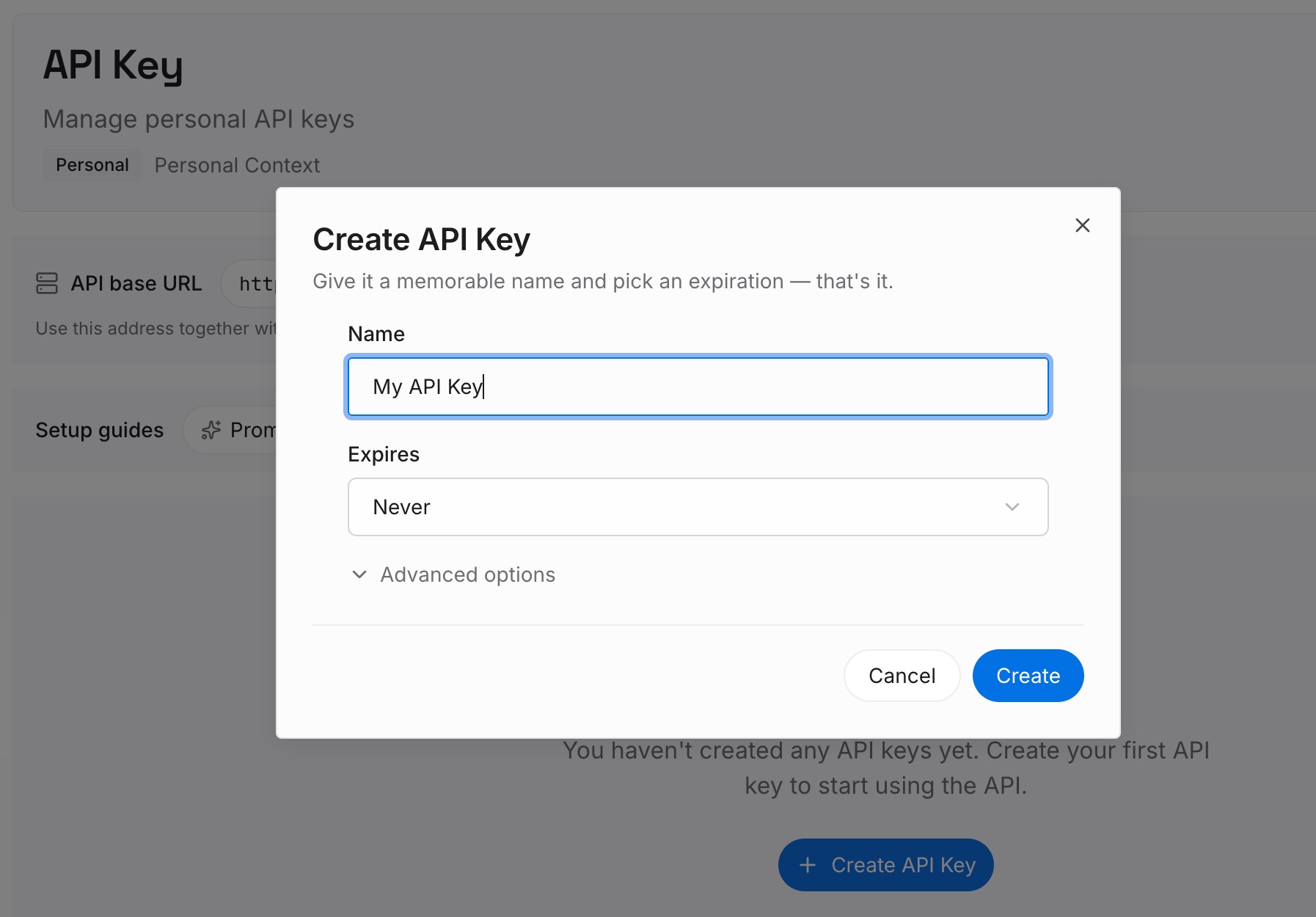
Step 1: Create an API key
Sign in and generate a key from the dashboard. The key belongs to your MemoryLake workspace and is separate from your Claude account and your usage credits.
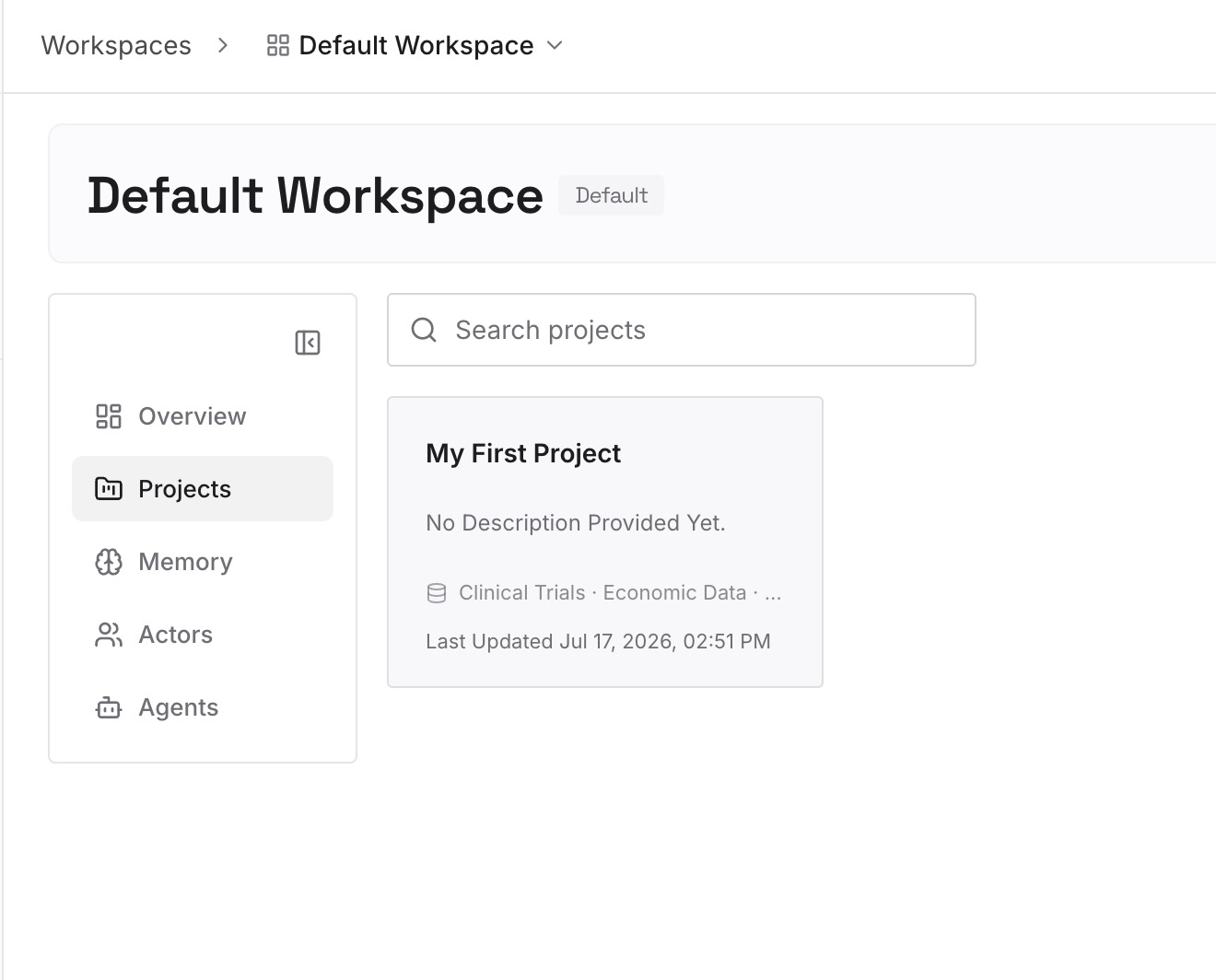
Step 2: Upload your first memories
Start with what a compaction would hurt most: the decisions from your longest sessions and the reasons behind them. One decision per entry, dated, and labeled with the repository it applies to.
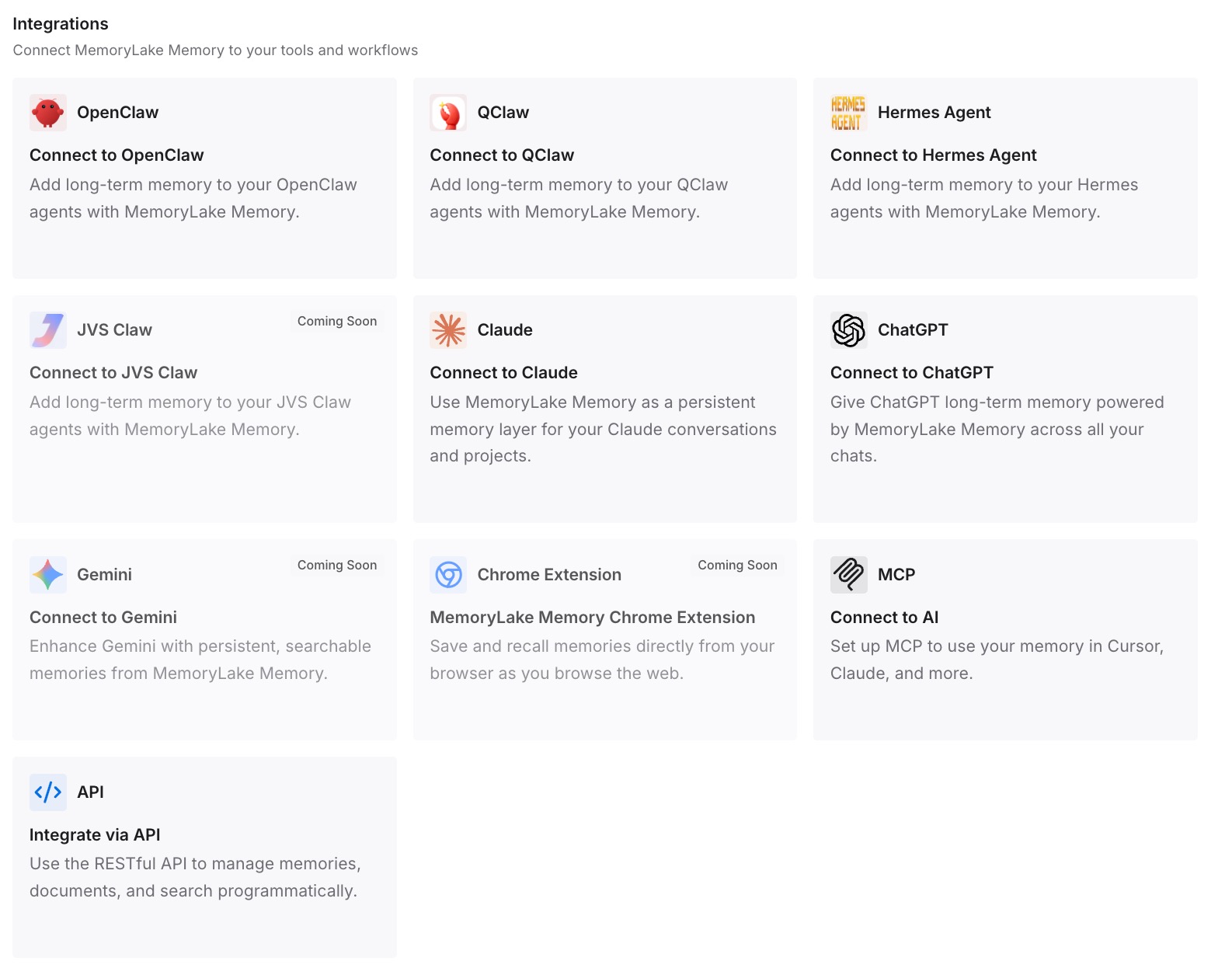
Step 3: Connect your AI & agents
Connect Claude Code and the other assistants you use. A compacted session, a new session, or a different tool can all start from the same decisions.
What this changes in practice
The first difference is that the error stops being alarming. You know it's an entitlement check, not a usage limit, and that current versions keep the session going.
The second is that you know what compaction did. Root CLAUDE.md, unscoped rules, and auto memory came back from disk; path-scoped rules wait for a matching file; the conversation became a summary.
The third is that the important parts were never only in the conversation. If you return to a long session later, our guide to Claude Code's warning before resuming an old session covers what resuming costs, and our guide to idle compaction covers compaction that happens while you're away.
Best practices for the 1M context error
Read it as an entitlement check. Your allowance may be fine.
Stay on the standard window unless you need more. Pick the model without [1m], or set CLAUDE_CODE_DISABLE_1M_CONTEXT=1.
Restart after turning on usage credits. The session stays at the standard limit until you do.
Update Claude Code. Current versions compact and continue; older ones could get stuck.
Keep rules that must survive compaction unscoped. Or put them in the project-root CLAUDE.md.
Compact with a focus before the limit. You decide what the summary keeps.
Check the state after a compaction. Ask Claude to summarize and correct what's missing. For long subdirectory instruction files, our guide to Claude Code's subdirectory CLAUDE.md limit explains how the size limit depends on the context window.
Conclusion
Usage credits required for 1M context means the model you're using needs the 1M-token window, and your plan includes that window only through usage credits. It's an entitlement check, not a usage limit. When it appears because a conversation grew past 200K tokens, current versions of Claude Code compact the conversation back under the standard limit and keep the session there.
Decide whether you need the larger window, and either switch to the standard variant or turn on usage credits and restart. Then make sure the context you care about lives in CLAUDE.md, unscoped rules, or auto memory, which compaction reloads from disk.