
Where Claude can remember something from
Claude has two main ways of carrying context from one chat to the next, and Anthropic's help center treats them separately.
Memory. "Claude saves memory as a set of individual topics as you chat, rather than summarizing conversations after they end." Claude saves on its own, and you can also ask it to remember something. On Free, Pro, and Max plans, memory is on by default. On Team and Enterprise, an owner has to make it available first, and it's off for each member until they turn it on.
Search of past chats. On paid plans, Claude can search your previous conversations when you ask about them, or when it's relevant. Anthropic says these searches use retrieval and appear as tool calls in your chat. This isn't memory; it's Claude looking things up in your history.
Projects add a layer to both. "Each project has its own memory." Inside a project, Claude uses that project's memory alongside your memory from chats outside projects, and chat search stays within the project.
So a detail can live in a memory topic, in project memory, in one or more past chats that search can reach, or in all of them. Removing it from one leaves the others.
What each way of forgetting removes
Telling Claude in chat
You can ask Claude directly. The help center says: "Tell Claude what you'd like it to remember, change, or forget, and the update applies to your next conversation."
This updates memory. The chat where you first said the thing stays in your history unless you delete it, so chat search can still find it.
Deleting a memory topic
Open Settings > Your Claude and select Manage next to Your memory, or go to Settings > Memory in the older layout. Everything Claude remembers is listed under Topics. Select a topic to read it, then edit it or delete it.
Editing is often better than deleting when only part of a topic is wrong. Anthropic notes: "Fix something in one topic and the change applies to every conversation from then on."
Deleting the chat
Deleting a chat removes it from your history. It doesn't remove memory that came from it, as the line quoted at the top of this guide says. When Claude cites a past chat it found through search, Anthropic says you'll see citations linking back to the original chats, "along with the option to delete specific conversations." That's a convenient way to find and delete the source.
Our guide to finding missing Claude chat history covers where chats go when they seem to disappear.
Deleting a project
Project memory follows the project. "Project memory is deleted when the project is deleted." Deleting a project is the cleanest way to remove everything Claude learned inside it, but it also means giving up the project itself. Anthropic also notes that an archived project can't be deleted until you unarchive it.
If you want to keep the project and only stop its memory from mixing with the rest, there's a gentler option: turn off Use account memory under Memory on the project's page. Anthropic says that keeps a project's memory fully separate.
Pausing memory
Turning memory off gives you two choices. Pause memory keeps what's saved but stops Claude from using it or adding to it. Anthropic notes that "Conversations while memory is paused won't be added to memory if you turn it back on."
Pausing is useful when you want a break, not when you want something gone. The memory is still there when you unpause.
Resetting memory
The other choice is a full reset. Anthropic's description: "Permanently deletes all memories including project memories." It adds that the reset "cannot be undone", and that when you turn memory back on, Claude starts from scratch.
A reset removes memory, not chats. Your chat history stays, and if search is on, Claude can still find old conversations when asked.
Keeping something from being remembered in the first place
Incognito chats
For a conversation you don't want kept at all, use an incognito chat. Start a new chat outside a project and select the ghost icon. Anthropic says incognito chats are "a temporary conversation that isn't saved to your chat history", and "Claude won't pull information from incognito chats when searching previous conversations." They don't add to memory either.
On Team and Enterprise plans, incognito chats are still included in organizational data exports and follow your organization's retention policy.
Turning memory off for one chat
If you want the chat in your history but not in memory, turn memory off for that chat. Start a new chat, select + in the message box, and turn off Memory before you send your first message. Claude won't use memory in that chat or save anything from it. Anthropic notes the difference from incognito: "the chat stays in your chat history and Claude can still find it when searching past chats from your other conversations."
The setting can't be changed once the chat starts. In a project, a chat started this way doesn't use or add to the project's memory.
Sensitive topics
By default, Claude doesn't store topics related to personal or sensitive subjects, such as health, religious beliefs, or politics. If you turned on Include sensitive topics in memory and want to undo it, Anthropic says that turning the setting off later removes sensitive items already saved to memory.
Some details are never saved to memory, even if you ask. The help center lists government ID numbers, criminal history, financial account numbers, and immigration status.
Making Claude Code forget something
Claude Code has its own memory, separate from the Claude app. It reads instructions from CLAUDE.md files, which you write, and keeps auto memory, which Claude writes.
Auto memory lives on your machine, per repository, under ~/.claude/projects/<project>/memory/, with a MEMORY.md index and one file per memory. Claude Code's documentation says: "Auto memory files are plain markdown you can edit or delete at any time." Run /memory in a session and open the auto memory folder to find the file that holds the detail, then edit or delete it. Remove its line from MEMORY.md as well, since that index is what loads at the start of each conversation.
If the detail is in a CLAUDE.md file, edit the file. Claude Code also deletes old session transcripts after its retention period, but it excludes the memory directory from that sweep, so memory files stay until you or Claude change them. Our guide to Claude Code forgetting your corrections explains which of these files a correction ends up in.
What people try first
Deleting the chat. The chat goes, but memory entries generated from it stay.
Asking Claude to forget, once. Memory updates, but the original chat is still searchable.
Pausing memory. Nothing is deleted; it's all there when you unpause.
Archiving the project. Archiving keeps the project's knowledge and members, and an archived project can't be deleted until it's unarchived.
Clearing the Claude app's memory to fix Claude Code. They're separate. Claude Code's auto memory is files on your machine.
The Fix: Find every place it lives, remove it from each, then check
Step 1: Find where Claude got it
Ask Claude what it remembers about the topic. If Claude searched past chats to answer, the citations show which chats it used. Then open Manage next to Your memory and read the topics that could hold the detail, including the memory of any project you used for that work.
Step 2: Remove it from every place
Work through the list in order:
- Memory topics. Edit or delete the topic that holds the detail.
- Project memory. Open the project and check its memory. If the whole project should go, delete it; its memory goes with it.
- Past chats. Delete the chats where you said it, using the citations if Claude found them through search.
- Claude Code. If you used Claude Code for the same work, check auto memory with
/memoryand your CLAUDE.md files.
If you want everything gone at once, Reset memory removes all memories, including project memories, and can't be undone. Then delete the chats you don't want.
Step 3: Check in a new chat
Start a new chat and ask a question where the old detail would have come up. If it does, ask Claude where it got it, and go back to Step 2. For future conversations about the same subject, use incognito or turn memory off for that chat before you start.
If you use both Claude and ChatGPT, the steps on the other side are different. Our guide to making ChatGPT forget something covers OpenAI's stores.
Setting this up in MemoryLake
Making Claude forget something means checking memory topics, project memory, chats, and, for developers, files on disk. It's easier when the facts you actually want an assistant to rely on are kept in one place you control, and everything else can be deleted without a second thought.
MemoryLake is a memory layer for keeping that kind of context in one list you maintain, available to Claude Code and the other assistants you connect, such as ChatGPT and Codex.
You write the entries yourself, in your own words. Nothing is read out of, written to, or deleted from your Claude memory, your project memory, your chats, Claude Code's auto memory, or any vendor's store. If something needs to leave Claude, the steps above are still the way to remove it.
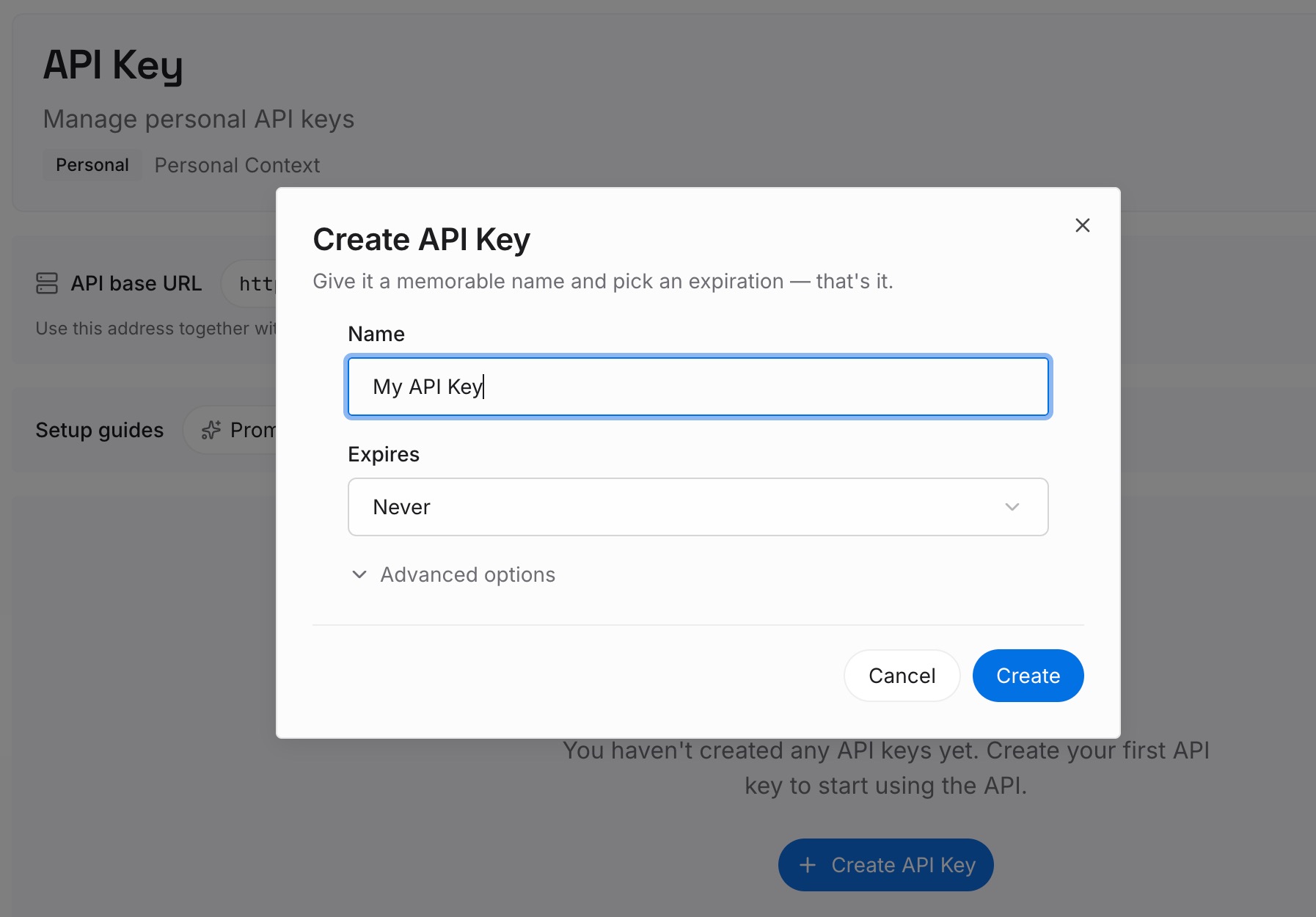
Step 1: Create an API key
Sign in and generate a key from the dashboard. The key belongs to your MemoryLake workspace and is separate from your Claude account.
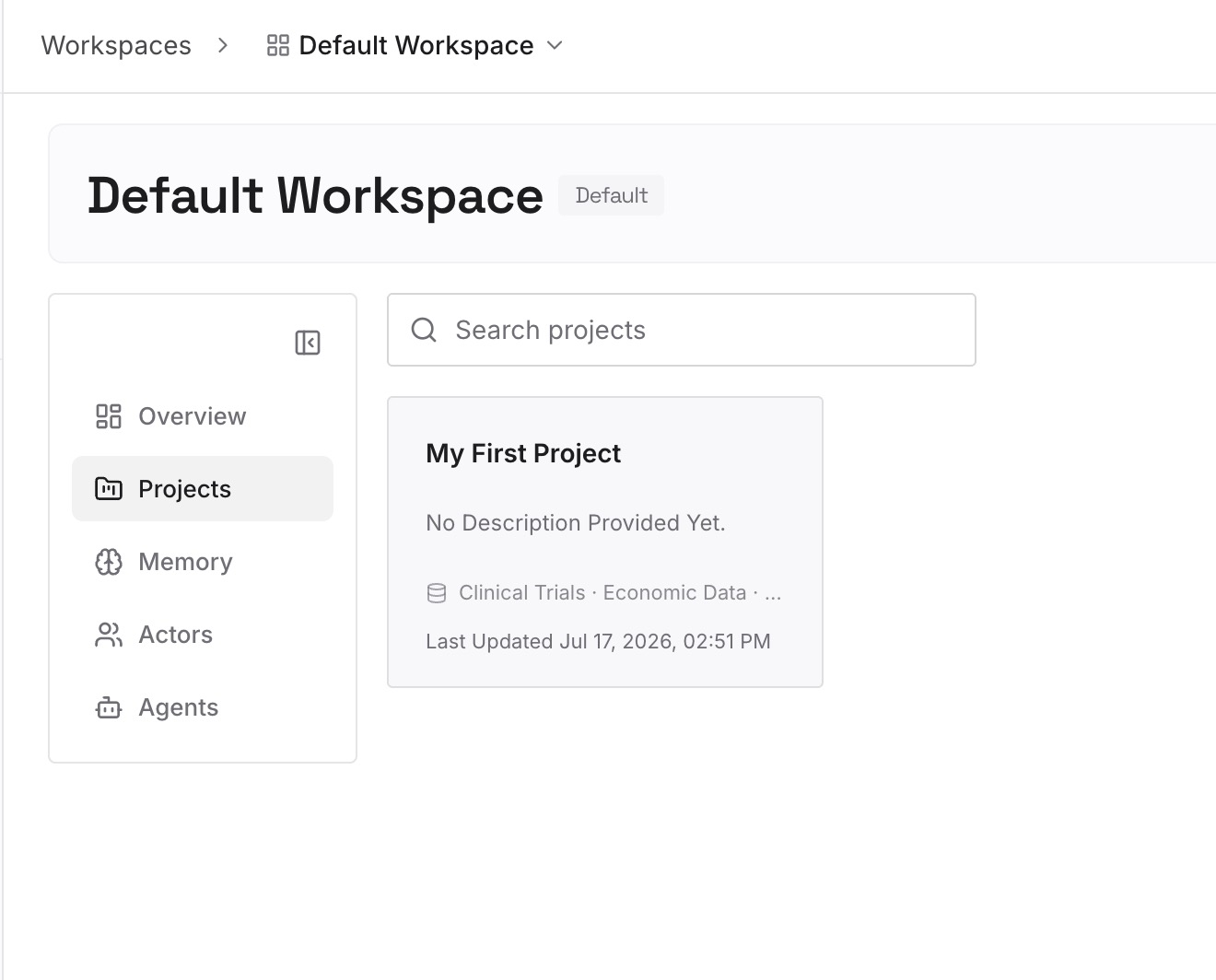
Step 2: Upload your first memories
Start with the current versions of what you just cleaned up: your role, the projects that are still active, and the preferences that are true now. One point per entry, dated, so you can see when each was last right.
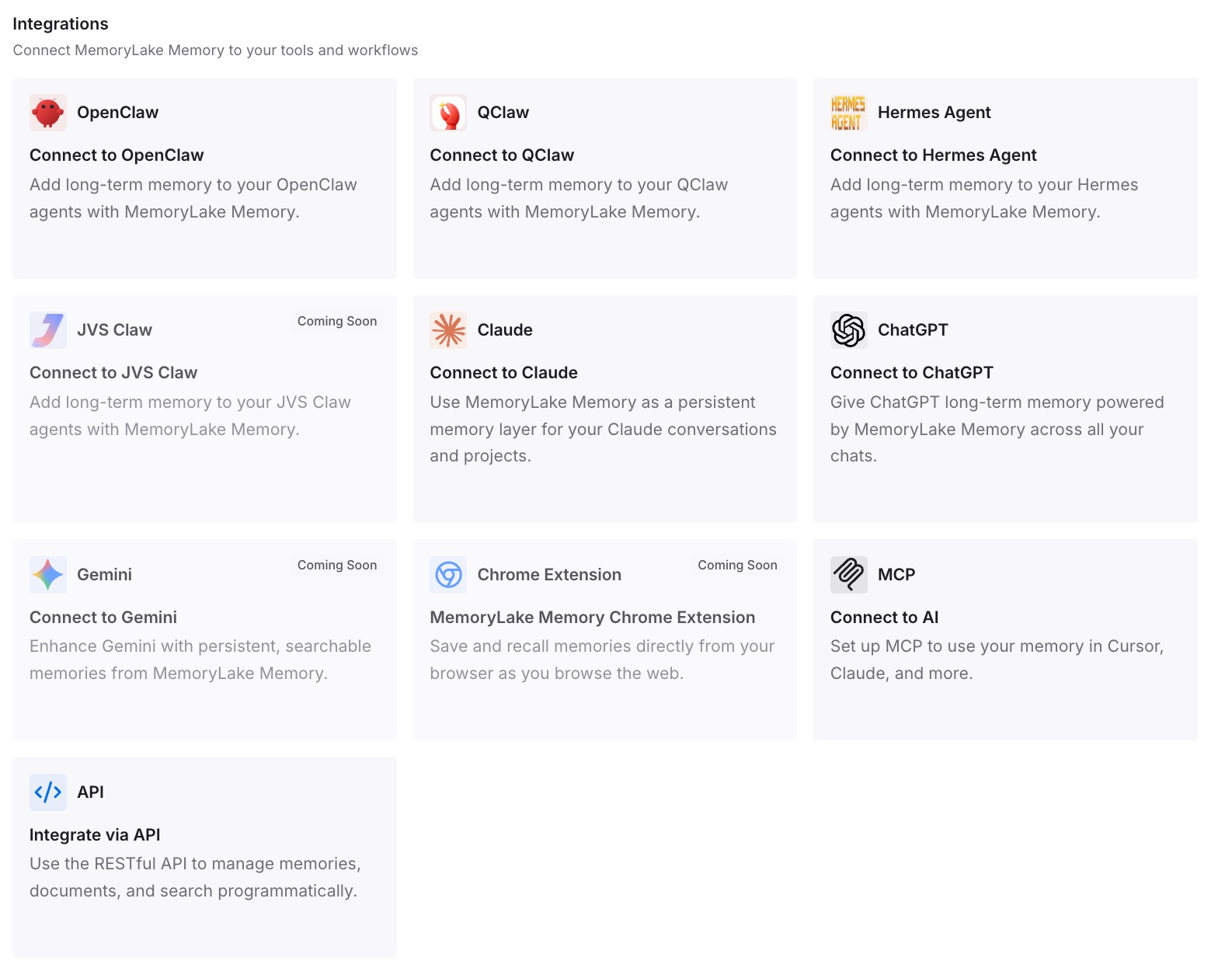
Step 3: Connect your AI & agents
Connect Claude Code and the other assistants you use. When a fact changes, you update one entry and remove the old one yourself.
What this changes in practice
The first difference is that forgetting works the first time. You know a detail can sit in a memory topic, project memory, and past chats, and you remove it from each.
The second is that you pick the right tool. Pause when you want a break, delete a topic when one thing is wrong, reset when everything should go, and use incognito when nothing should be kept.
The third is that new work starts cleaner. Our guide to Claude Code projects and project memory covers how memory works in the new version of projects, where the same habits apply.
Best practices for making Claude forget
Delete the memory, not only the chat. Deleting a chat doesn't remove memory entries generated from it.
Check project memory separately. Each project has its own.
Edit before you delete. If only part of a topic is wrong, fix that part.
Use incognito for things you don't want kept. Incognito chats aren't saved to history or memory.
Turn memory off before the first message. The per-chat setting can't be changed afterward.
Treat Reset memory as final. It can't be undone.
Clean up Claude Code separately. Its auto memory is files on your machine.
Conclusion
Claude can carry a detail in memory topics, in project memory, and in past chats that search can reach. Deleting a chat leaves memory generated from it. Asking Claude to forget updates memory but leaves the chat. Deleting a project removes its memory, and Reset memory removes all memories, including project memories, for good.
To make Claude forget something, find where it lives, edit or delete the topic, check project memory, delete the chats where you said it, clean up Claude Code's files if you use it, and confirm in a new chat.