
Why Your Codex Context Doesn't Follow You to Claude Code
What each tool stores
Codex reads AGENTS.md at startup and holds everything else — files it opened, decisions you reached, the plan in progress — in its context window, compacting as that window fills. Claude Code works the same shape: CLAUDE.md at startup, everything else in session context. The static instruction files have direct equivalents. The dynamic understanding has no home in either, which is why neither can hand it to the other.
The technical reason it doesn't transfer
AGENTS.md and CLAUDE.md are just Markdown, so that part is copy-and-adjust. But session state is ephemeral by construction: Codex compacts it away during long tasks and discards it at session end, so there's nothing to export even if Claude Code had an importer. You're not migrating an agent's memory — you're migrating a config file and then rebuilding the memory by hand.
What this costs you
You re-onboard a second agent on a codebase the first one already understood: same conventions, same architecture walkthrough, same corrections. Everything Codex learned that never got written into AGENTS.md is simply gone. And you land in the same place you left: Claude Code is also stateless between sessions, so tomorrow it starts light too — you changed tools without changing the underlying problem.
Step-by-Step: Moving From Codex to Claude Code by Hand
The native route is manual, but it gets the essentials across.
Step 1: Extract what Codex holds
- Copy your
AGENTS.md— the conventions, commands, and constraints the agent was following. - Review recent Codex sessions and write down the decisions and constraints that never made it into the file: rejected approaches, architectural choices, known traps.
- Note the MCP servers and tooling your Codex setup relied on.
Step 2: Set up Claude Code
- Create or update
CLAUDE.mdat the repo root with your conventions, adjusted fromAGENTS.md. - Add the salvaged decisions and constraints into
CLAUDE.mdor a docs file Claude Code will read at startup. - Re-add your MCP servers to Claude Code's MCP configuration.
What you get is a translated baseline: a config file plus whatever context you remembered to salvage. There's no session-history transfer, and nothing here stays in sync if you keep Codex around for some work.
What doesn't survive the migration
Session-level project understanding that never reached a file. The reasoning behind past fixes. And the durability problem itself: both agents compact and discard, so a file you hand-maintain is the only thing either one reliably starts with — until you add a layer that outlives sessions in both.
The Better Way: One Memory Layer, Either Agent
The migration is only painful because each agent's knowledge dies inside it. Put project knowledge in a neutral layer and the switch becomes a connection. MemoryLake stores your architecture, decisions, and conventions once — searchable, versioned Git-style, end-to-end encrypted — and serves them to Claude Code and Codex alike over MCP, so neither one starts blank and switching costs nothing.
| Dimension | Manual Codex → Claude Code | MemoryLake layer |
|---|---|---|
| Steps required | Translate config + salvage by hand | 3 (one-time) |
| Session-level understanding | Mostly lost | Retained and searchable |
| Survives compaction | No | Yes (retrieved on demand) |
| Stays in sync during a gradual switch | No | Yes |
| Decision history | None | Yes (Git-style) |
| Switching or adding an agent later | Translate again | Connect it |
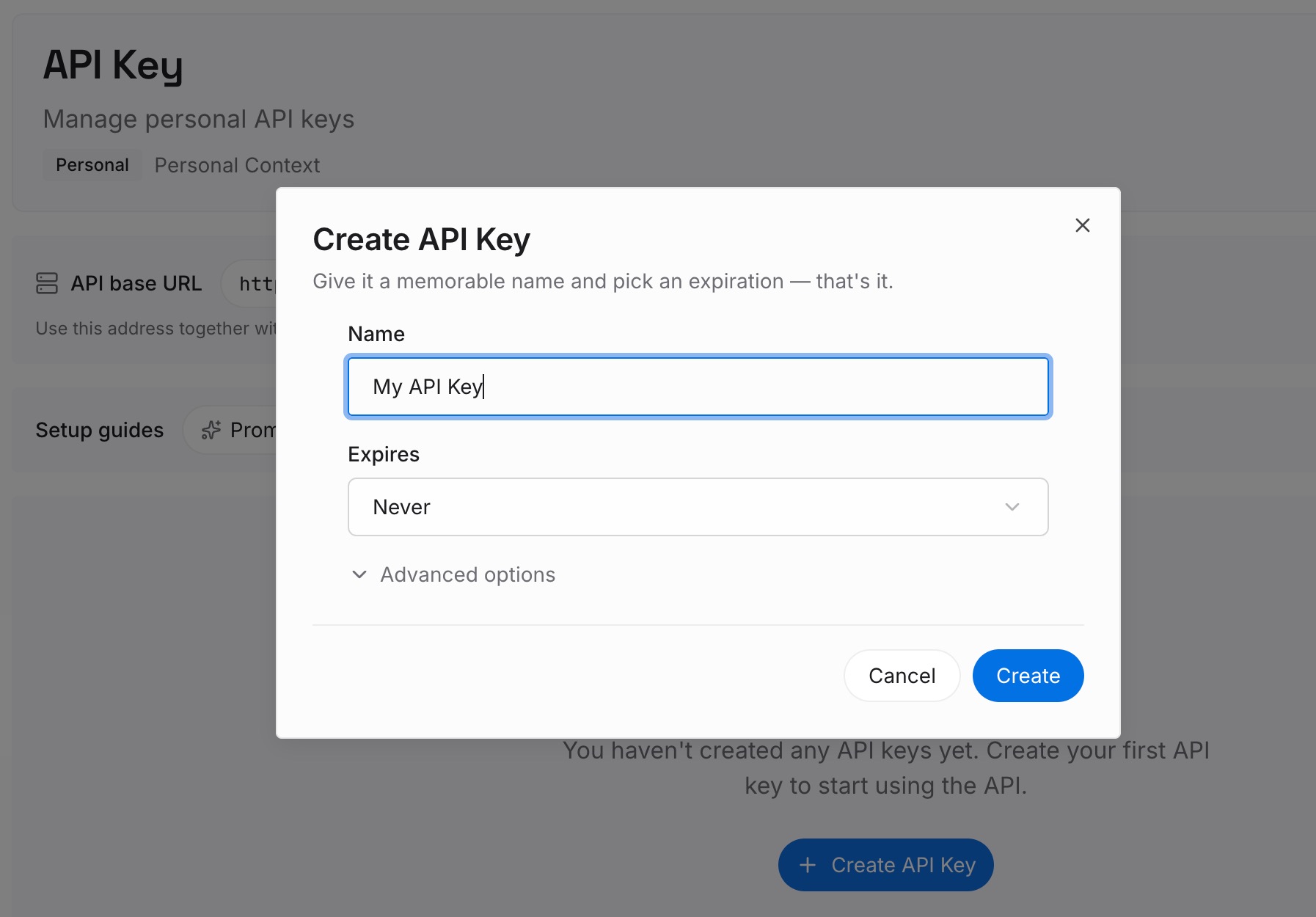
Step 1: Create an API key
Sign in to MemoryLake, generate a key, and make your first request — it takes about 30 seconds.
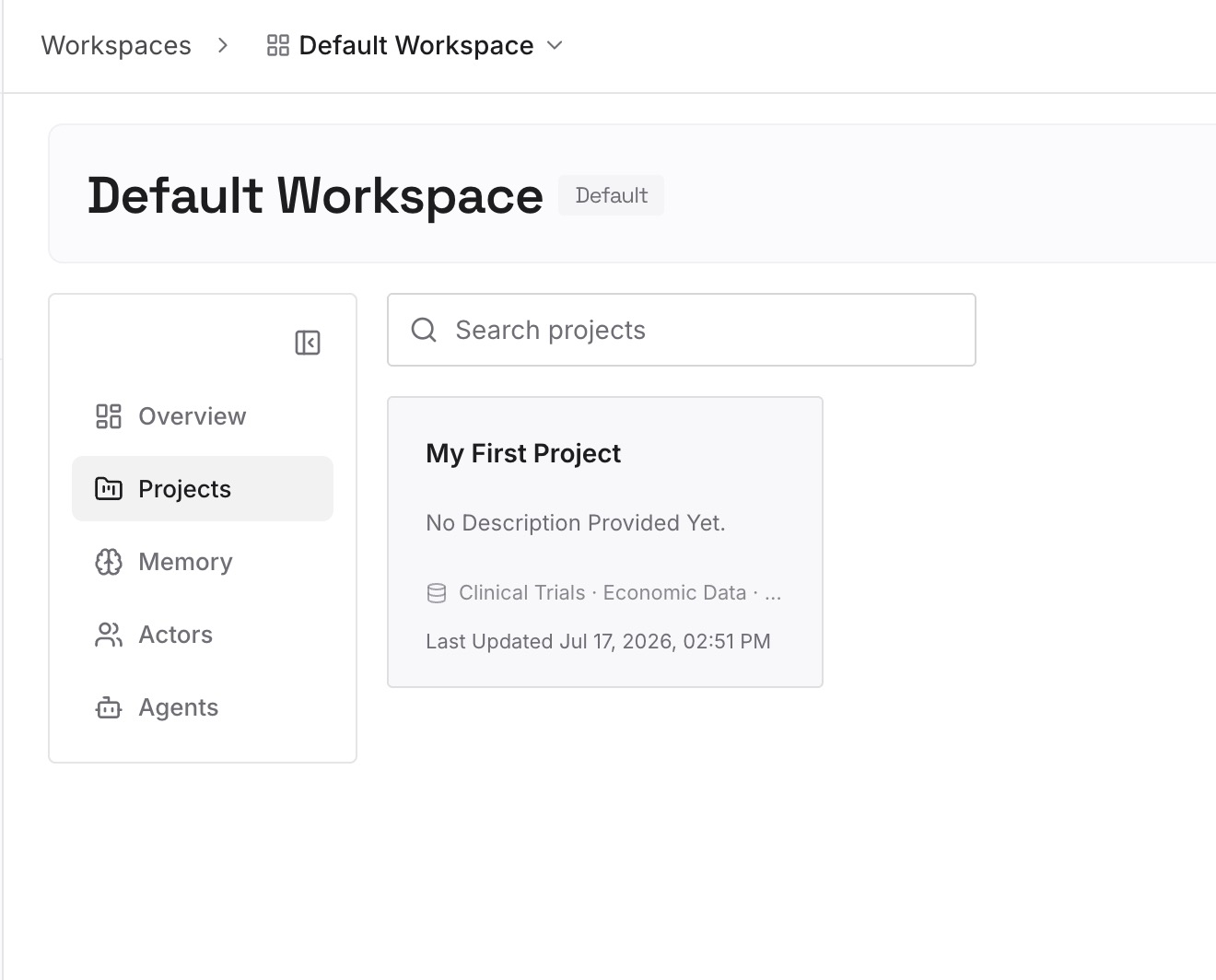
Step 2: Upload your first memories
Drop in the project knowledge both agents need: architecture notes, decision records, conventions, and API docs — documents, images, and other files all work — instead of trapping them in one tool's config file.
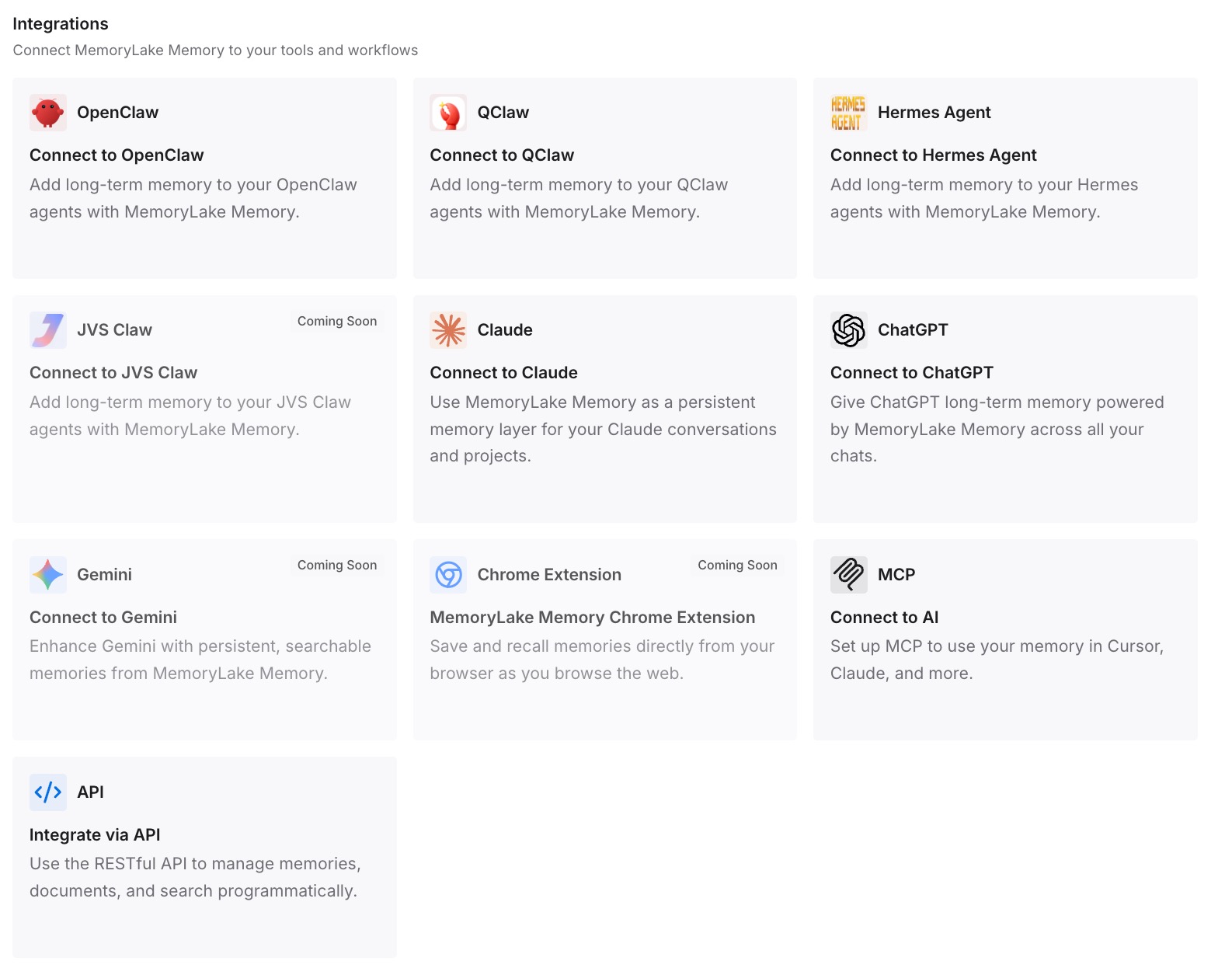
Step 3: Connect your AI & agents
Both agents speak MCP: add MemoryLake to Claude Code's MCP configuration and to Codex's with your API key. During a gradual switch neither falls behind, and the same memory reaches OpenClaw and other MCP-capable agents — so your next tool connects instead of restarting.
What Re-Onboarding an Agent Actually Costs
The switching tax, paid twice
Moving agents means re-teaching a codebase the previous one knew — and then paying the daily version of it, because the new agent also rediscovers your repo each session. In usage-billed tools, that rediscovery is tokens spent before any work happens.
Retrieval instead of re-onboarding
With a shared layer, Claude Code pulls your conventions and decisions on demand instead of reconstructing them, so it's informed on day one and stays informed after compaction. Faster starts, fewer repeated corrections, lower spend — MemoryLake's Token Saving Calculator projects the effect from your usage.
Best Practices for a Cross-Agent Memory
Salvage before you switch
The session knowledge Codex holds is the part that vanishes at cutover. Capture it into the shared layer first, and the migration loses nothing.
Keep conventions in the repo, decisions in the layer
CLAUDE.md and AGENTS.md are good homes for stable conventions each tool reads at startup. Dated decisions, rejected approaches, and resolved issues belong in retrievable memory, where compaction can't drop them.
Scope by repository
One memory scope per repo keeps both agents' context precise and stops one project's conventions from leaking into another's.
Conclusion
Switching from Codex to Claude Code is a config translation plus a memory you rebuild by hand — and if you stop there, you've moved the problem, not solved it, because the new agent forgets between sessions exactly like the old one. Put your project's knowledge in a layer both agents read, and the switch is a connection: informed sessions on day one, decisions that survive compaction, and no re-teaching the next time you change tools. Migrate the config; keep the memory.