
What Goal mode is
OpenAI's long-running work guide sets out the idea: "For work that may take many steps, give ChatGPT a clear outcome, constraints, and definition of done. Keep related work in the same chat so ChatGPT can use the same context to choose the next step and decide when the work is complete."
Goal mode turns that into a command. "Type /goal in the ChatGPT desktop app, Codex CLI, or the IDE extension. The goal text becomes both the first prompt and the completion criteria for the task."
That second sentence explains most of how it behaves. The goal isn't just how the task starts. It's the test Codex uses to decide whether the task is finished.
Where it works
- ChatGPT desktop app. Enter
/goalto start Goal mode. A progress row above the composer lets you pause, resume, edit, or clear the goal. - Codex CLI. Enter
/goalin an interactive session and continue in the same session to steer it. - IDE extension. Enter
/goalin the chat for the open workspace, and keep the workspace available while the goal runs.
ChatGPT web works differently. For hosted long-running work there, the guide says to use ChatGPT Work and "put the outcome, constraints, and review criteria directly in your prompt."
Goal mode is on by default. The configuration reference lists goals as a stable feature, enabled by default, described as "Enable persisted goals and automatic continuation".
The commands
The CLI reference lists the controls:
/goal <objective>sets the goal./goalon its own shows the current goal./goal editrevises it./goal pause,/goal resume, and/goal clearpause, resume, or remove it.
The expected result, in OpenAI's words: "Codex keeps the goal attached to the active chat while work continues."
What a goal keeps
A goal is deliberately small. Here's what it holds and where it lives.
The objective. The text you gave it, which is both the first prompt and the completion criteria.
A status. Active or paused, controlled with the commands above or the progress row in the desktop app.
Its place in one chat. The goal is attached to the active chat. The long-running work guide is explicit about parallel work: "Each chat keeps its own context, messages, results, and goal."
Progress accounting. The app-server documentation, which describes the interface the clients use, shows a goal carrying a token budget and counts of tokens and time used. It also says what editing does: "Supplying a new objective replaces the goal and resets usage accounting." Changing only the status, or keeping the same objective, preserves the usage history.
A size limit. "Goal objectives must be non-empty and at most 4,000 characters. For longer instructions, put the details in a file and point the goal at that file."
That last line is the most practical part of the limit. A goal is a target, not a container for everything Codex should know.
What a goal doesn't replace
Because a goal persists, it's tempting to load it with context. It isn't built for that, and the documentation points to other places.
Project instructions
Conventions and rules that apply to every task belong in AGENTS.md. Codex's memories documentation gives the general principle: "Keep required team guidance in AGENTS.md or checked-in documentation." A goal is attached to one chat; AGENTS.md applies to every chat in the repository. Our guide to Codex skipping AGENTS.md rules covers how Codex finds those files.
Memories
Codex memories carry context from earlier chats into later ones, and they're off by default. The memories documentation calls them "a helpful recall layer", not the only source for rules that must always apply. A goal does the opposite job: it focuses one chat on one outcome. Neither one stands in for the other. Our guide to turning on Codex's local memories covers how memories work.
The rest of the conversation
The goal doesn't hold what Codex has learned along the way. That's in the chat. The guide's advice to "Keep related work in the same chat" exists for this reason: the chat is where the context is, and the goal is how Codex knows what it's aiming at. If a long chat gets close to its context limit, our guide to GPT-6.1 Sol's 500k default in Codex covers when compaction kicks in.
Permissions
A goal doesn't give Codex more room to act. "Starting a goal doesn't grant ChatGPT broader access. It keeps the same sandbox and approval policy and pauses when it needs a decision."
How to write a goal that holds up
The long-running work guide suggests including three elements when they apply:
- Outcome. "Describe the result you want, not only the activity ChatGPT should perform."
- Constraints. "Name required tools, boundaries, compatibility needs, or approaches to avoid."
- Verification. "Add tests, measurements, or review criteria that prove the work is complete."
OpenAI's own example puts all three in two sentences: migrate a codebase from JavaScript to TypeScript, preserve existing behavior, compile in strict mode without explicit any types, and make the full test suite pass.
If the outcome isn't clear yet, the guide suggests starting with /plan instead. "Ask ChatGPT to interview you, identify constraints, and turn the result into a goal with measurable success criteria. Then start the refined goal with /goal."
Steering a goal while it runs
You don't have to wait for Codex to finish. In every client, you can send follow-up messages in the same chat to add context or adjust constraints, and ask for a status recap.
The desktop app adds two options. You can use a side chat "when you want a status recap or an explanation without interrupting the main chat." And you can pause the goal before you expect to lose connectivity, then resume it when you're ready for Codex to continue.
For parallel work, the guide's advice is to run separate chats, avoid letting two chats change the same files, and use worktrees to give parallel coding chats separate checkouts. On a Mac, Prevent sleep while running keeps local work going.
What people try first
Writing the whole brief into the goal. The objective is capped at 4,000 characters. Put long instructions in a file and point the goal at it.
Starting a new chat to change direction. The goal and the context are in the old chat. Edit the goal, or send a follow-up, in the chat where the work is.
Expecting a goal to carry into the next chat. Each chat has its own goal. A new chat starts without one.
Using a goal instead of AGENTS.md. The goal covers one task. Rules for every task belong in AGENTS.md.
Replacing the objective halfway through. A new objective replaces the goal and resets its usage accounting. If you only need to adjust constraints, a follow-up message may be enough.
The Fix: Keep the goal short, put the details in files, and hand off on purpose
Step 1: Write the goal as a test
Write the outcome, the constraints, and the check that proves it's done. If you can't state the check, start with /plan and turn the plan into the goal. Keep the goal to what Codex needs to decide whether it's finished.
Step 2: Put the details where they'll last
Put detailed requirements in a file in the repository, such as a spec or a task note, and point the goal at it. Put conventions that apply beyond this task in AGENTS.md. Both stay available after the goal is cleared, and both can be reviewed like any other file.
Step 3: Hand off before you switch chats
If you need to continue the work in a different chat, on a different machine, or in a worktree, write down where it stands first: what's done, what's left, and what was decided. Codex's handoff moves a chat between local, a worktree, and a remote host, and our guide to Codex handoff explains what goes with it. For a fresh chat, our guide to writing a handoff prompt covers what to include. If you want to try a different approach without losing the original, our guide to forking a Codex chat shows how.
Setting this up in MemoryLake
A goal keeps one chat pointed at one outcome. The decisions that come out of that work, such as why an approach was chosen or what turned out not to work, outlive the goal, and the next task, chat, or tool needs them too.
MemoryLake is a memory layer for keeping that kind of context in one list you maintain, available to Codex and the other assistants you connect, such as ChatGPT and Claude Code.
You write the entries yourself, in your own words. Nothing is read out of, written to, or deleted from your goals, your chats, your AGENTS.md files, your Codex memories, or any vendor's store. Goal mode keeps working the way OpenAI describes it.
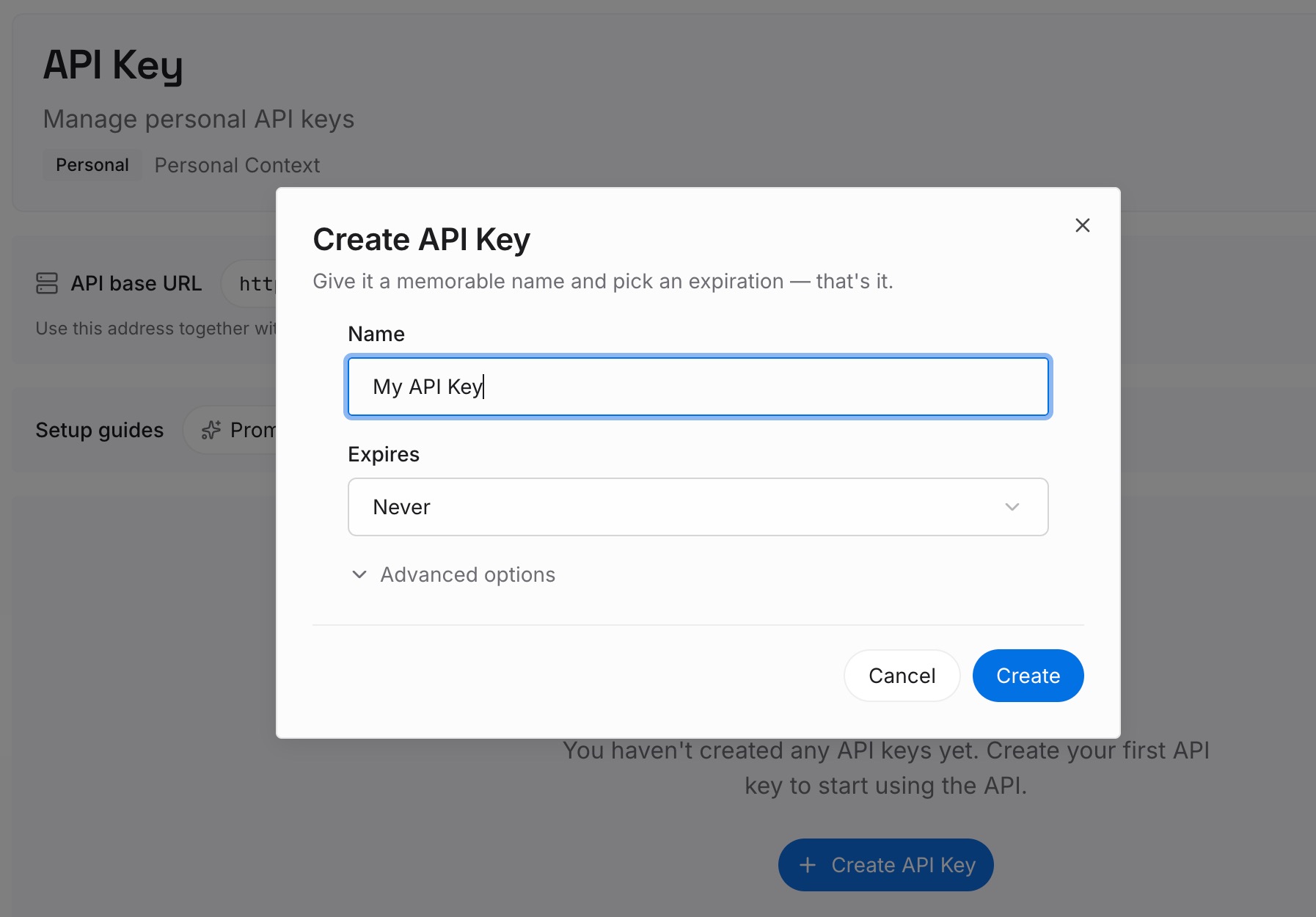
Step 1: Create an API key
Sign in and generate a key from the dashboard. The key belongs to your MemoryLake workspace and is separate from your ChatGPT account and your Codex configuration.
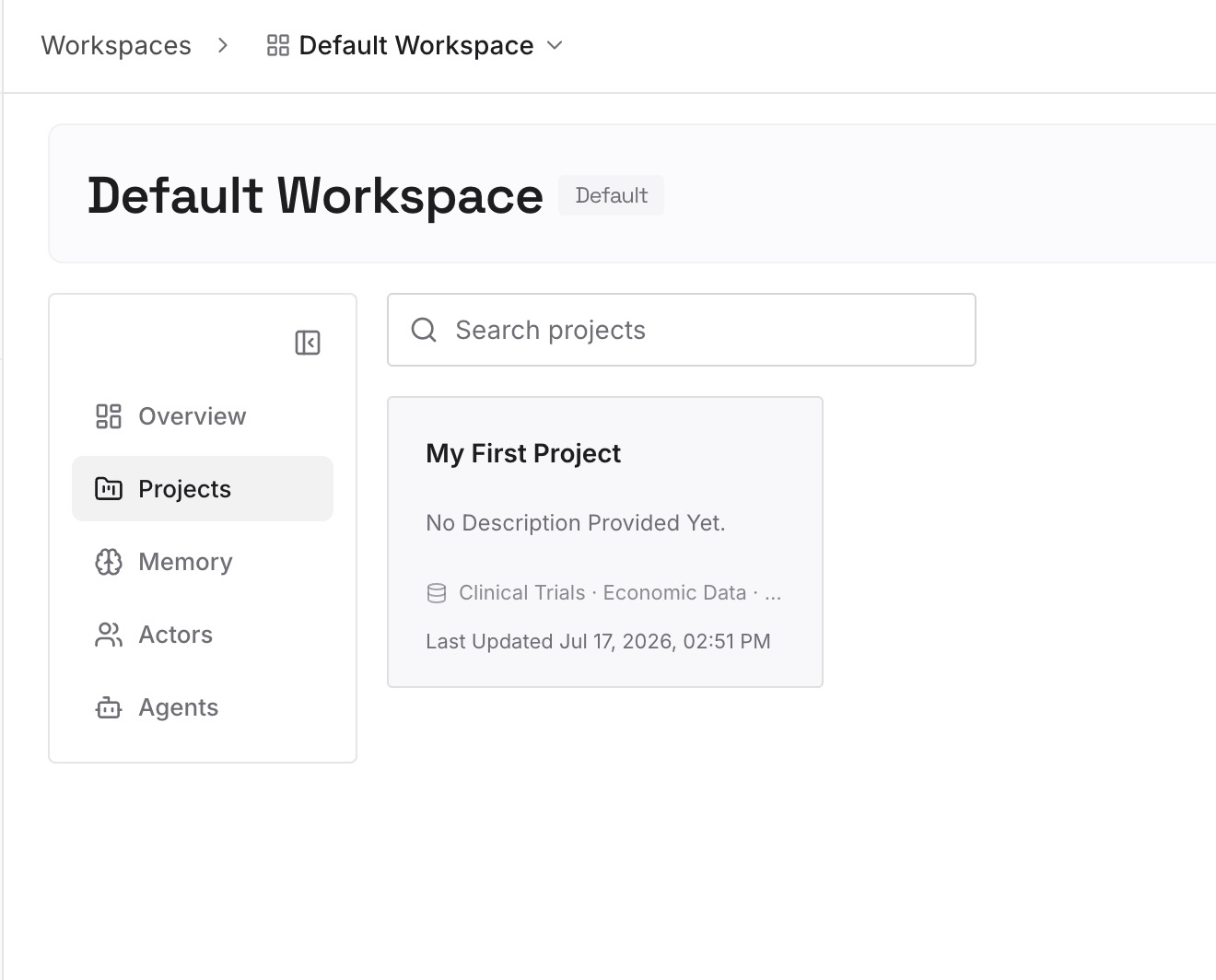
Step 2: Upload your first memories
Start with what came out of your last long goal: the decisions, the constraints you discovered, and the approaches you ruled out. One point per entry, dated, and labeled with the repository.
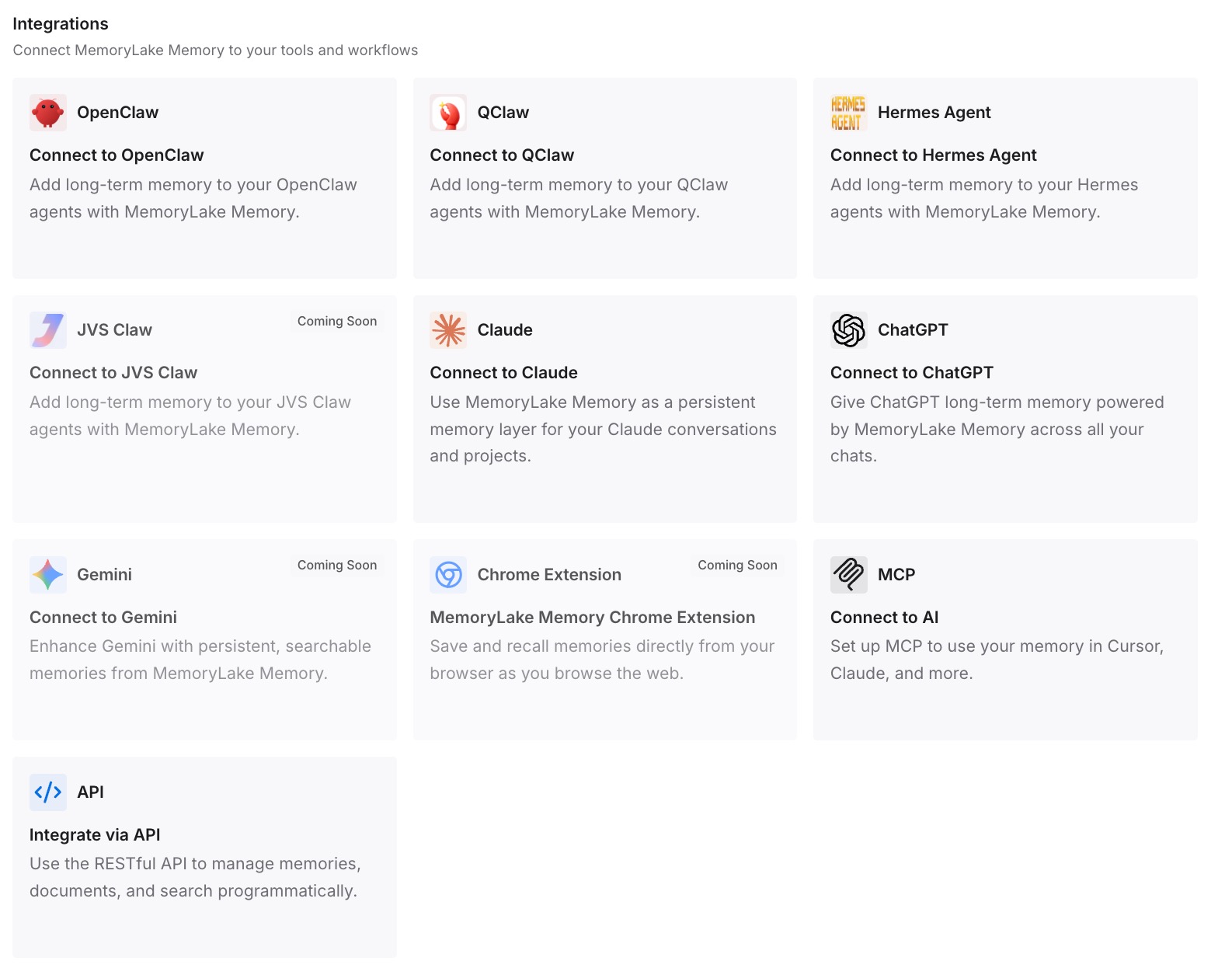
Step 3: Connect your AI & agents
Connect Codex and the other assistants you use. The next goal, in any chat or tool, starts from what the last one settled.
What this changes in practice
The first difference is that long tasks finish where you meant them to. The goal is the completion test, so Codex knows when to stop.
The second is that the goal stays small. Detail lives in files that outlast the chat, and rules live in AGENTS.md.
The third is that switching chats doesn't mean starting over. You hand off on purpose, with the state written down.
Best practices for Codex Goal mode
State the outcome, constraints, and verification. The goal is also the completion criteria.
Stay under 4,000 characters. Point the goal at a file for the rest.
Steer in the same chat. That's where the goal and the context are.
Use /plan when the outcome isn't clear. Then turn the plan into a goal.
Pause before losing connectivity. Resume when you're ready.
Give parallel chats separate worktrees. Each chat keeps its own goal and context.
Keep rules in AGENTS.md. A goal covers one task.
Conclusion
Goal mode gives a long Codex task a persistent target. You set it with /goal in the desktop app, CLI, or IDE extension, and the goal text becomes both the first prompt and the completion criteria. The goal stays attached to its chat, holds an objective of up to 4,000 characters along with its status and usage, and doesn't widen Codex's permissions.
Write the goal as a test, put the details in a file it points to, keep rules in AGENTS.md, and hand off on purpose when the work moves to another chat.